Priya S.
Set up the inbox assistant on Sunday. By Wednesday it had sorted 312 emails and drafted 40 replies that I only had to approve. I got my mornings back.
That's exactly the idea. Enjoy them!
THEAI EMPLOYEEWORKSHOP
Most small business owners spend their evenings on email, follow-ups and busywork that never earns a cent. The work has to get done. It doesn't have to be done by you.
In one live session, Your Name shows you how to set up an AI employee that answers messages, chases leads and drafts your content, using tools you can start on today, most of them free.
No coding and no tech team. Just a clear plan, and a working assistant by the end of the night.
From past students
A few of the notes that landed in our inbox after earlier sessions.
Individual results vary. These stories aren't typical and aren't a promise of what you'll save or earn.
Priya S.
Set up the inbox assistant on Sunday. By Wednesday it had sorted 312 emails and drafted 40 replies that I only had to approve. I got my mornings back.
That's exactly the idea. Enjoy them!
Marcus T.
The follow-up bot from the workshop booked 6 sales calls in its first week. I didn't write a single chase email myself.
Elena V.
Honestly, I was skeptical. Two weeks in, my AI employee answers about 70% of customer questions before I've even had coffee.
Love hearing this, Elena.
Dan O.
Used the content calendar template and posted every day for a month, which has never happened before. About 20 minutes of my time a week.
Aisha K.
We're a three-person bakery. The order-taking assistant cut our phone time in half over the holidays. I wish we'd done this last year.
Tom B.
Swapped a $900-a-month outsourced assistant for a setup that costs me $38 a month. Same work, done faster.
Huge. Now give it a second job!
Grace L.
My AI employee wrote the first draft of every proposal this quarter. I edit, I send, I move on.
Jonah R.
Came for the tools, stayed for the method. Three assistants running now: sales, support and my calendar.
Built one after the workshop? Send it in and it might end up here.
Why listen to me
11 yrs
running online businesses
40+
AI workflows built and tested
6,500+
owners taught live
3
companies run with AI on staff
Numbers only matter if they help you, so here's the short version: I've already made the expensive mistakes. The tools that looked great and did nothing, the automations that broke at 2 a.m. This workshop is the shortcut I wish someone had handed me.
The problem
You've probably tried it. You asked a chatbot something, got a decent answer, and went back to doing everything yourself. That's how almost everyone uses AI: one question at a time, one tab at a time, with a person still doing the real work.
It's like hiring a brilliant assistant and only ever asking them what time it is.
The owners pulling ahead do something different. They don't ask AI questions. They give it jobs, with instructions, access to the right tools and a clear picture of what "done" looks like. It doesn't wait to be asked. It checks the inbox, spots the new lead, drafts the reply and hands it over for a thumbs-up.
That shift, from asking questions to assigning work, is the whole game. And it's much easier than it sounds once someone shows you the setup.
What's an AI employee?
An AI employee is an AI model plus three things: a clear role, the tools it's allowed to use, and a routine it runs without being reminded. Give it those and it acts less like software and more like a reliable new hire. These are the eight roles owners usually hand off first:
Sales
Replies to every new inquiry within minutes and keeps nudging until they book.
Support
Answers the questions you hear ten times a day and flags the rest for you.
Admin
Sorts, labels and drafts replies, so you only read what needs you.
Marketing
Turns one idea into a week of posts, captions and an email.
Operations
Books calls, sends reminders and reshuffles the calendar when plans change.
Finance
Sends polite reminders on overdue invoices and keeps track of who has paid.
Research
Watches competitors and reviews, then sends you a summary every Monday.
Hiring
Reads applications, scores them against your checklist and books the best ones.
You don't need all eight. Most people start with one, feel the hours come back, then add the next.
See it working
Four assistants from the workshop kit, caught mid-shift.
Inbox manager. Sorts the overnight mail and drafts replies you can approve in one tap.
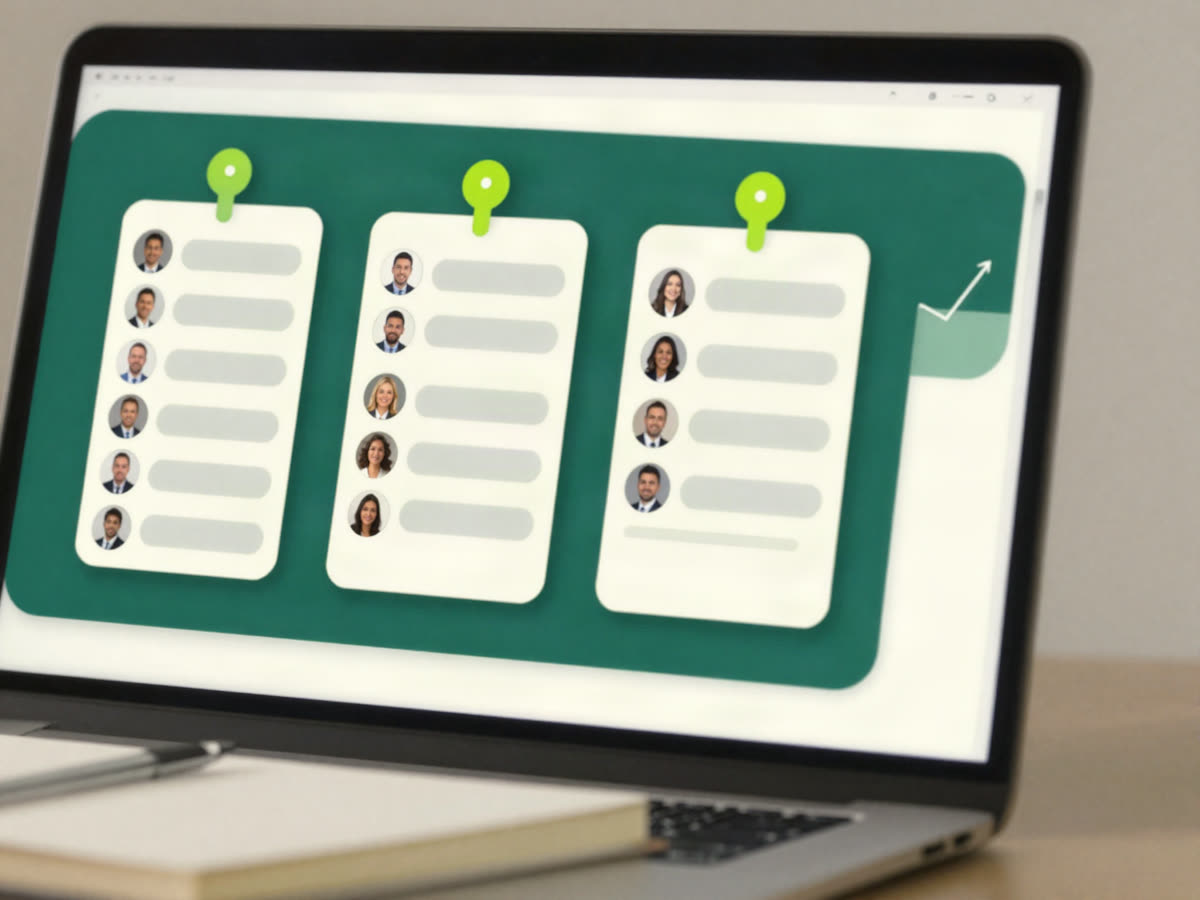
Lead follow-up. Logs every inquiry and schedules the next nudge, so nobody goes cold.
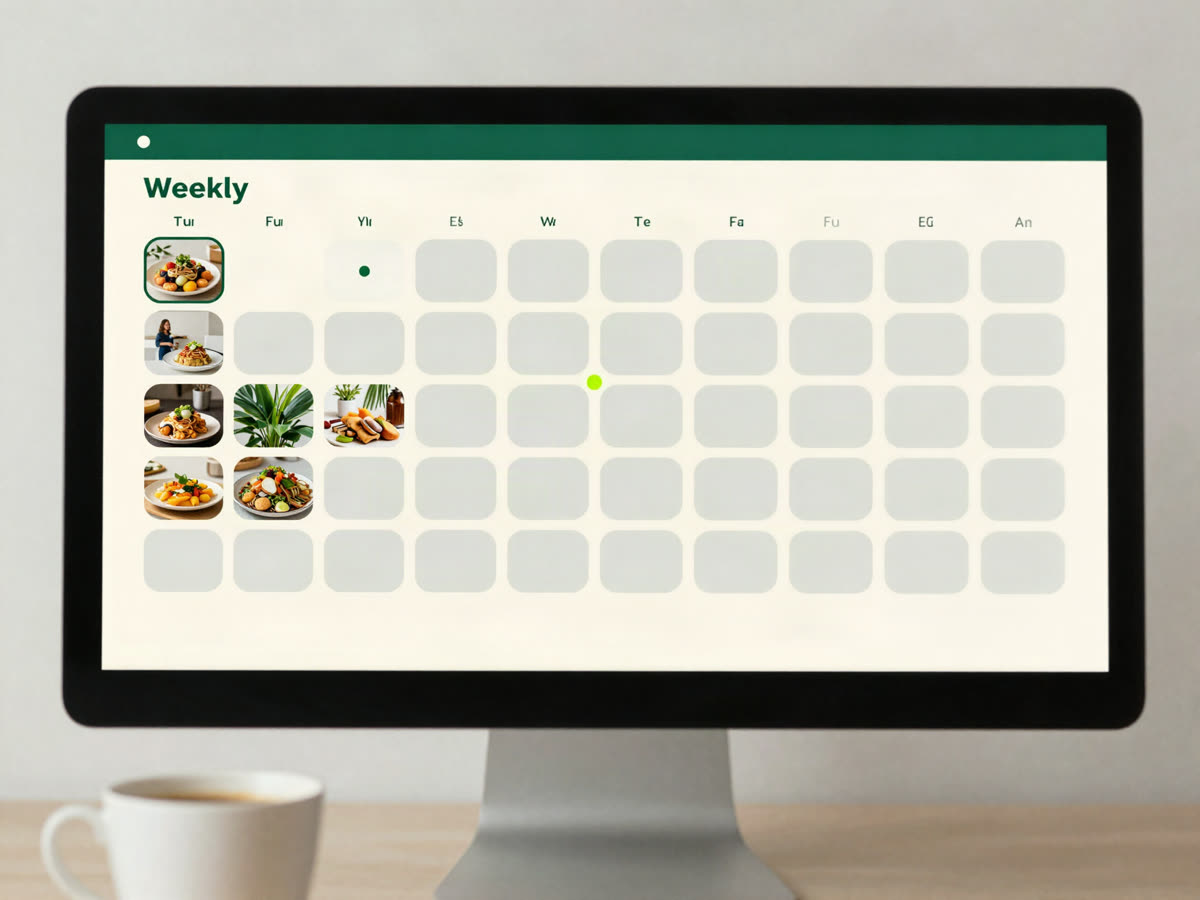
Content assistant. Fills the week's calendar from a single voice memo.
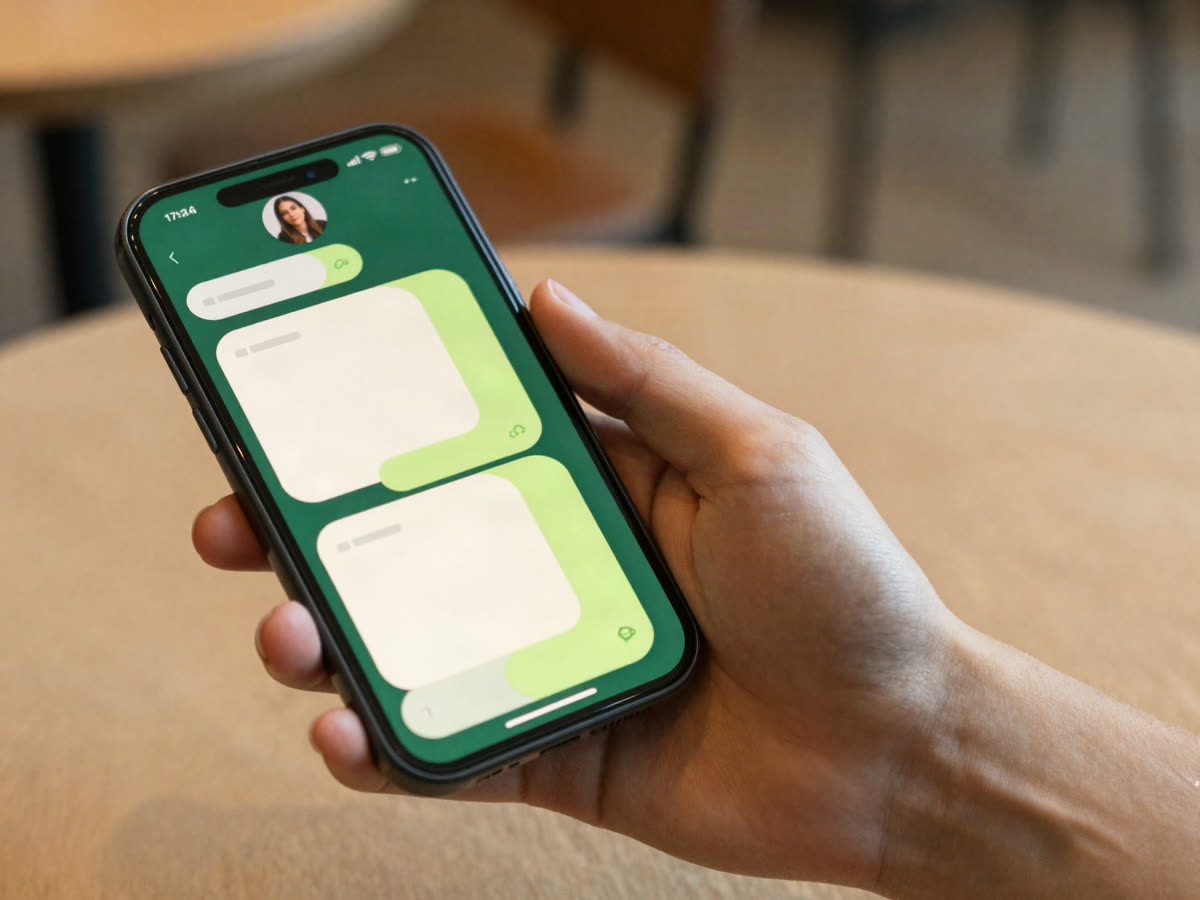
Help desk. Answers the common questions and passes the tricky ones to you.
Behind the scenes
I'm not teaching a trend I read about. Right now one AI employee answers my support inbox, another follows up with every lead that comes through my site, and a third drafts the newsletter you might be reading next week.
I still make the decisions. I still talk to customers. But the repetitive, easy-to-forget, has-to-happen-every-day work? That isn't my job anymore.
The result isn't a robot company. It's a calmer one: fewer dropped balls, faster replies and evenings that are mine again. In the workshop I'll open up the exact setups I use, show you where they go wrong, and give you versions you can copy.
Two ways to run your week
The math
Say you need help with follow-ups, the inbox and first drafts. Here's roughly what each option costs you every month.
A full-time assistant
salary, before taxes and benefits
$3,800/mo
A freelancer or agency
part-time, billed by the hour
$1,200/mo
An AI employee
a few software subscriptions
$20–60/mo
People are still worth hiring, for the work only people can do. An AI employee takes the rest, for less than a dinner out.
Ready to hand off your first job?
Save my seatTakes under a minute. The replay comes with every ticket.
The process
Choose Free, Pro or VIP below. Your confirmation email arrives straight away with the join link.
Join from a laptop or phone on Thursday, October 22 at 8:00 PM ET. Bring one task you're tired of doing.
Build along with me, step by step, and log off with an assistant that's already running.
Can't make it live? Every ticket includes the replay, so you can build along whenever it suits you.

My story
A few years ago my business was growing and I was drowning. Every email, every quote and every follow-up went through me, and I told myself that was simply what being the owner meant.
Then a client who was ready to sign sent me a message that sat unread for nine days. By the time I answered, they'd hired someone else. That one stung, because it wasn't a skills problem. It was a capacity problem, and the capacity was me.
I tried the usual fixes: productivity apps, an assistant I couldn't really afford, working Sundays. Each helped a little. None of them changed the shape of my week.
What changed
It started almost by accident. I wrote a one-page job description for the follow-up work I kept dropping (who to contact, what to say, when to stop) and handed it to an AI model connected to my inbox and calendar.
By Friday it had followed up with every lead from that month. Two of them booked calls. I hadn't written a single email.
That's when it clicked. The technology had been ready for a while; what I was missing was the method. How to define the job, which tools to connect, and how to check the work without hovering over it. That method is exactly what I'll walk you through, live.
Your host

Founder, BotsBuilding · AI workflow coach
Naz has spent more than a decade building small, profitable businesses and the last few years putting AI employees to work inside them. They teach owners to hand off the busywork without handing over the keys: plain language, real tools, and setups you can copy the same day.
The plan
Three parts. Each one ends with something you can use the same night.
We start with your week, not with tools. You'll list the tasks that eat your time, run them through a simple filter, and choose the one an AI employee should take first.
You leave with: a one-page job description for your first AI employee.
Screens shared, nothing skipped. We connect an AI model to the tools it needs, write its instructions, and test it on real examples until the output is something you'd happily send.
You leave with: a working assistant, set up on your own accounts.
How to check the work in five minutes a day, what to do when it gets something wrong, and how to add a second and third employee without the setup becoming a second job.
You leave with: a 30-day plan and answers to your own questions.
Your first AI employee could start work next week.
Save my seatFree, Pro and VIP tickets are at the bottom of the page.
The details
What you get
Every ticket
90 minutes with Your Name, live on screen, building alongside you.
Every ticket
Everything we use on the night, ready to copy.
Pro and VIP
Pro and VIP go further. Compare them in the ticket picker below.
Nothing to install before the workshop. Bring a laptop and one task you're tired of doing.
Right fit?
This workshop is for you if your business leans on you more than you'd like, and you suspect a good part of your day could be done by something other than you.
It's probably not for you if you want a get-rich-quick trick. This is a practical skill, and it pays you back in hours.
Your call
Option one
Close this page and keep the same routine: the late replies, the follow-ups you mean to send, the evenings spent catching up. It works, sort of. It just never gets lighter.
Option two
Spend 90 minutes with me and leave with an AI employee already doing one job for you. Add the next when you're ready. Same business, with less of it resting on you.
Only one of those options changes next month.
The best time to hand off the busywork was a year ago. The next best time is this week.
Questions
No. If you can send an email and copy and paste, you can follow along. Every step is shown on screen and explained in plain words.
Every ticket includes the replay, so you can watch and build along later. Joining live gets you the Q&A.
Thursday, October 22 at 8:00 PM ET. It runs about 90 minutes, including Q&A.
Mainstream AI models and everyday apps like email, a calendar and a spreadsheet. We start on free plans; any paid upgrade is optional and explained before you need it.
If your week includes answering messages, following up, scheduling or writing, yes. Past students have included coaches, shop owners, agencies, trades and consultants.
Most owners spend between nothing and about $60 a month to run their first AI employee. I'll show you how to stay at the low end.
We cover it in part two: which settings to turn on, what never to share with an AI tool, and how to keep a person in the loop for anything sensitive.
Free gets you the live workshop and the replay. Pro adds the workbook and 30 days of email support. VIP adds a private setup call and a review of your first assistant.
Yes. If you change your mind before the workshop starts, reply to your confirmation email and we'll refund a paid ticket in full.
Thu, Oct 228:00 PM ET
Before you go
You can keep carrying every task yourself. Plenty of owners do, right up until they burn out. Or you can spend one evening learning to build help that never sleeps and never forgets a follow-up.
I'll be there live, and I'm saving you a seat. See you on Thursday, October 22.
Tickets
Every ticket includes the live workshop and the replay.
$0
The live workshop, with nothing else to buy.
Most popular
$47Regular price $97
The workshop plus everything you need to keep building.
$197Regular price $397
For owners who want a second pair of eyes on their setup.
Prices in US dollars. Your confirmation email arrives right after checkout.